





































Why NIS 2 Turns HR Screening Into an Audit-Evidence Game-Not Just a Hiring Policy
The arrival of the NIS 2 Directive reshapes the expectations for HR security from all angles: no longer is compliance about having well-worded on-paper policies or onboarding checklists that look respectable in committee meetings. Now the yardstick is brutal and factual: can your organisation instantly surface mapped, time-stamped, tamper-evident HR screening logs for every staff member, key supplier, and relevant contractor? If not, your policies-no matter how carefully crafted-hold little weight in an audit.
Compliance is not a pledge but the documented reality of every decision-logs are the final judge, not good faith.
NIS 2 Articles 20 and 21 upend the standard HR playbook. For every essential or important entity (from high-velocity SaaS scaleups to critical manufacturing or healthcare providers), compliance now means the ability to present evidence for every part of the employee and supplier lifecycle. This evidence must relate directly to role-based risk and regulatory criteria. The ENISA guidelines clarify: companies must document who, when, how, and why each person or supply chain entity was cleared for system access or influence (ENISA, 2023). And crucially, it isn’t just an onboarding artefact; renewals, exceptions, and offboarding logs are mandatory for any meaningful defence.
Spreadsheet evidence and scattered email “approval chains” no longer meet this threshold. Auditors now expect systematic, centrally captured, reviewer-linked trails-anything less is exposure, not robustness.
What the Regulator Actually Demands-And What Counts as Proof
Every administrator, privileged systems user, security handler, external vendor, and high-risk contractor is now subject to screening and renewal checks-identity, references, criminal/regulatory status (where lawful), and annual reaffirmations. Evidence must be:
- Created at the time of action: (not retrospectively “patched”)
- Explicitly reviewer-linked: (named, with authority, no group or shared accounts)
- Time, event, and policy mapped: -tied to controls/SoA in real time
- Tamper-evident and traceable for all lifecycle stages:
- Accessible instantly under audit conditions:
A single missed artefact, renewal, or exception is not hypothetical risk-regulators cite it as grounds for supply chain ejection or direct board-level investigation (EDPB, 2022; ENISA Threat Landscape 2023).
Artefact Gaps: The New Critical Exposure
Auditors today do not attend to intentions or good client references-they read evidence trails. Failing to produce a full, mapped log has led to dismissed contracts and regulatory escalations. Boards across the EU are now inquiring how, not whether, organisations can trace HR and supplier screening per risk and role.
Retiring Best-Effort Workarounds: Why Spreadsheets Fail the Audit
Common reasons for regulatory failure include:
- Orphaned spreadsheets, lacking version control or reviewer attribution
- Absent or irregular renewal records, particularly for contractors
- Unmapped logs-no risk-role linkage, leading to unscreened privileges
- Supplier and sub-supplier evidence stuck in third-party or offline tools
Unified, ever-live, system-based evidence-never patchwork-is now vital for passing both NIS 2 and ISO 27001 audits (ISMS.online support).
Book a demoHow ISMS.online Turns Screening Evidence Into Audit-Ready Resilience
Compliance must be more than a list of intentions or policies-it must result in a living artefact chain. With ISMS.online, HR and supply chain screening become an operational backbone: artefacts are automatically logged, mapped, and ready for scrutiny at any point in the lifecycle.
Memories fade, policies evolve, but artefact chains tell the true story when auditors or regulators arrive.
Logging Screening Events With Real-Time Resilience
ISMS.online enforces and automates:
- Reviewer assignment per check: -each screening or renewal log is reviewer-tied by name and time-stamp.
- Role-specific checklists: Identity, references, legal and regulatory requirements-each status-coded as completed, pending, or requiring exceptional review.
- Linked evidence: -artefacts and notes are attached directly to the event; no documents are outside the system’s control.
- Direct policy and SoA linkage: -logs auto-map to your live policy, Statement of Applicability (SoA), or linked control, satisfying ISO 27001:2022 and NIS 2 criteria.
When special cases arise, manager justification is system-logged-ad hoc or informal “overrides” are not possible.
Audit Table: Operationalising Key Screening Requirements
| Expectation | In-System Process | ISO 27001 Ref. |
|---|---|---|
| Named reviewer | Assigned for each event | A.6.1 |
| Timestamps | Auto-captured on event/approval | A.6.1, A.5.35 |
| Permanent log | Immutable status and attachments per event | A.5.31, A.5.35 |
| Policy/SoA mapping | Direct link to SoA/Linked Work | A.5.2, A.6.1 |
| Exception handling | Justification, time-stamped escalation | A.6.1, A.7.10 |
No additional manual mapping, shadow files, or post-hoc amendments are needed.
Persistent Weak Points-And How Systemisation Eradicates Them
Regulatory investigations repeatedly cite failures such as: incomplete reviews, unmapped policies, or spread records outside secure systems. To avoid these pitfalls:
- Standardise fields and reviewer workflow at kickoff
- Automate reminders for all recurring and supplier events
- System-enforce exception logging and escalation
- Link everything-no external, manual, or untraceable evidence permitted
As soon as an artefact leaves this channel, it creates an audit weak point. Keep your chain locked, mapped, and system-bound.
Traceability Example: Screening Event to Audit-Ready Evidence
| Trigger | Risk Update | Linked Control | Evidence Logged |
|---|---|---|---|
| New staff onboard | Unvetted access | A.6.1 | ID + reference artefact |
| Recurring review | Stale clearance risk | A.6.1, A.5.35 | Renewed check; reviewer log |
| Staff offboard | Residual privilege | A.8.5, A.5.11 | Access revocation; asset log |
| Vendor onboard | Third-party access | A.5.19, A.5.21 | Contractor artefact; reviewer |
| Exception | Unscreened role | A.6.1, A.6.4 | Justification; escalation log |
This strength extends into DORA/AI compliance, as every artefact is cross-mapped and exportable by tier or jurisdiction.

Master NIS 2 without spreadsheet chaos
Centralise risk, incidents, suppliers, and evidence in one clean platform.
Lifecycle Integrity: Onboarding, Ongoing, Offboarding, Exception-No Gaps
A resilient chain has no weak links: onboarding, review, and offboarding must all be artefact-anchored, retrievable, and mapped.
NIS 2 and ISO 27001:2022 elevate screening from an initiation checklist to a continuous, audit-anchored process. Completeness of the lifecycle-no missed event, unchecked renewal, or bypassed offboarding-is essential.
Onboarding-Start Secure, Stay Secure
The onboarding flow in ISMS.online is stepwise and enforced. Identity, references, legal checks are all artefact-mandatory. Permissions and contracts only flow downstream once artefacts are present. If anything is skipped, the workflow halts and management is alerted.
Staff cannot begin without a full artefact record-practically eliminating routine “start-before-complete” errors.
Ongoing Reviews-No More “Set-and-Forget”
Contractor and staff reviews are not “nice-to-have.” ISMS.online generates and schedules reminders for required cycles-renewal, status changes, or contract reviews. Missed actions get flagged, and management is brought in before any audit can uncover a gap. Dashboards keep your process surface in continuous audit posture.
Automated reminders mean we fix renewal gaps before they trigger regulator scrutiny.
Offboarding-Critical for Least Privilege, Zero Residual Access
Exit events must be systematically artefacted: every privileged credential revoked, every physical asset documented, and all steps assigned to reviewers and time-stamped. ENISA has flagged lack of offboarding evidence as a top root cause of compliance failure. ISMS.online mandates “no artefact, no completion”-ensuring no ghost access or missing evidence lingers in your system.
Exception Handling-Transparent, Not Opaque
Not every screening can be completed-jurisdictional blocks, refusals, or business exceptions will arise. But regulatory expectation is not perfection, it’s defensibility: why, who, when, with what mitigations? ISMS.online logs every exception, artefact, and review, leaving no “grey zone” the auditor could seize upon.
Lifecycle Mapping Table: Closing the Audit Loop
| Phase | Key Event | Required Artefact | System Log | Reference |
|---|---|---|---|---|
| Onboard | Screening | ID, Ref, Legal | Artefact in checklist | A.6.1, NIS2 Art. 20 |
| Annual Review | Renewal | New check/log | Time-stamp, reviewer | A.6.1, A.5.35 |
| Offboard | Revoke access | Closure artefact | Finalised log | A.8.5, A.5.11 |
| Exception | Rationale note | Justification log | Escalation chain | A.6.4, A.6.1 |
Leveraging Automation: Alerts, Dashboards, Oversight
Manual management is a relic of a slower era. Automated workflows within ISMS.online mean your compliance programme runs at the velocity of your business-no review escapes, no missed supplier renewals, no late offboarding tasks.
System-driven compliance means the gaps are caught before your auditor, board, or regulator enters the room.
Automated Pushes: Reminders, Escalations, Resilience
ISMS.online’s scheduled reminders serve as a compliance brake; nothing progresses or is finalised unless artefacts are in place. Overdue actions escalate immediately, and tasks are locked until resolved-so no papering over cracks or quietly bypassing controls.
Dynamic Dashboards: Measuring What Matters
Dashboards in ISMS.online elevate oversight:
- Artefact completion rate: Track staff, vendors, and even sub-suppliers in real time.
- Exceptions surfaced by frequency and time-to-close.:
- Review latency and management action rates: Reveal stagnating reviews before they stall audits.
- Full supply chain visibility: Upstream and downstream checks, exception tracking, and quick drilldown for audit or board demand.
These system metrics move compliance from theoretical to operational, replacing “unknown unknowns” with measured, verifiable evidence.
Audit Trap vs. Control Table: From Weakness to Strength
| Audit Weakness | ISMS.online Control |
|---|---|
| Task logged, artefact missing | Artefact upload mandatory event |
| Suppliers left unreviewed | Automated supplier review reminders |
| Exception untracked | Exception log and audit trail enforced |
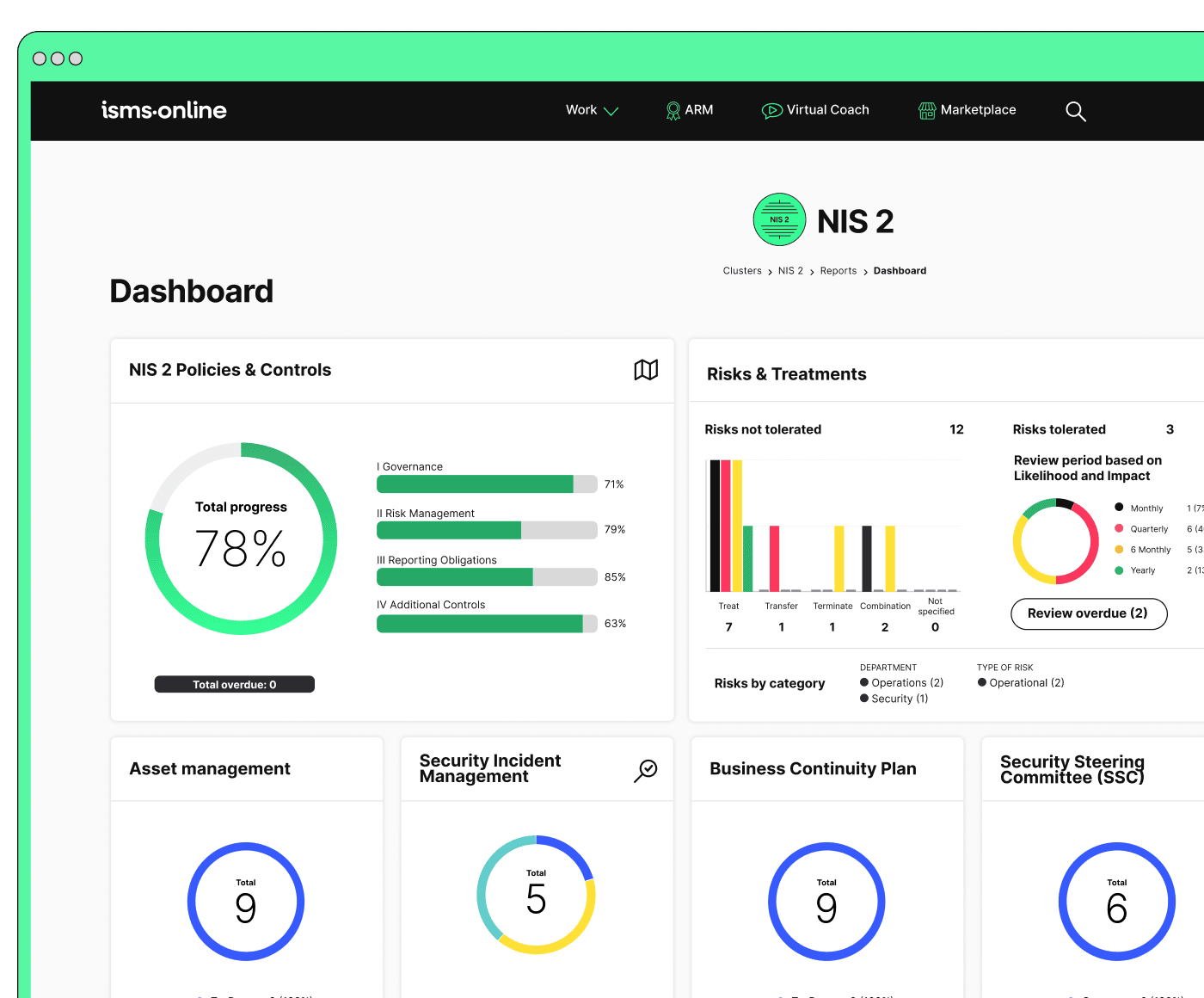
Be NIS 2-ready from day one
Launch with a proven workspace and templates – just tailor, assign, and go.
Supplier and Contractor Logs: Full Chain Evidence, No Blind Spots
NIS 2 scrutiny does not end with internal staff-suppliers and contractors are equally included in the compliance perimeter. ISMS.online expands artefact logging to encompass all third-parties and sub-tiers, without workflow drag or blind spots.
A supplier’s missing artefact is your compliance failure. Only a complete, portable, cross-mapped supply chain log passes audit muster.
Assigning Accountability in the Supply Chain
Each supplier event-onboard, annual review, offboarding-is artefacted, reviewer-assigned, and mapped to jurisdiction. Exception events (refusals, extraterritorial issues) must be manager-approved and systematically logged. All logs are instantly exportable and auditable.
Ensuring Portability and Audit-Readiness
Any artefact or event relevant to NIS 2, DORA, or ISO 27001 A.5.19 (.21), can be filtered, bundled, and provided for audit or customer review. Only compliant evidence, per role, jurisdiction, and tier, enters the audit chain.
Portable Artefact Table for Vendor Audit
| Event | Artefact | Audit Portability | Clause/Ref | Example |
|---|---|---|---|---|
| Onboard supplier | Screening log, reviewer tied | Any tier, jurisdiction | A.5.19/21, NIS2 | Export bundle |
| Exception (blocked) | Justification artefact | With legal note | A.6.4, A.5.20 | Signed rationale |
| Renewal review | Review log, time-stamped | Cross-supplier philtre | A.6.1, A.5.19 | Review screenshot |
| Contract exit | Offboard log, access end | Auditable/exportable | A.5.11, A.8.5 | Log export |
Failing Upwards: From Screening Gaps to Remediation Artefact Chains
Gaps, mistakes, or late renewals are not a compliance death sentence-unless they remain silent. ISMS.online’s incident engine auto-creates artefact chains for every identified error, tying detection to remediation and proactive board reporting.
Your defence is not in repeating assurances, but in the auditable remediation trail that follows every slip.
Real-Time Incident Reporting: From Miss to Correction
Missed checks, overdue events, or unrecorded exceptions generate immediate incident logs. Management is alerted, escalation is system-tied, and closure is barred until artefacts are completed and risk registers updated. Disciplinary or policy change logs anchor corrective action for regulators and auditors.
Board Audit and Regulatory Readiness
Every incident ties through to closure: from initial gap to checklist evidence, updated risk register, board or legal review, and PDF/CSV export for regulators. This ensures that even failures add, not subtract, from your compliance capital.
Artefact Closure Essentials
- Pre- and post-failure artefacts
- Corrective incident logs
- Management approval
- Risk and SoA update records
- Export pack for audit/review
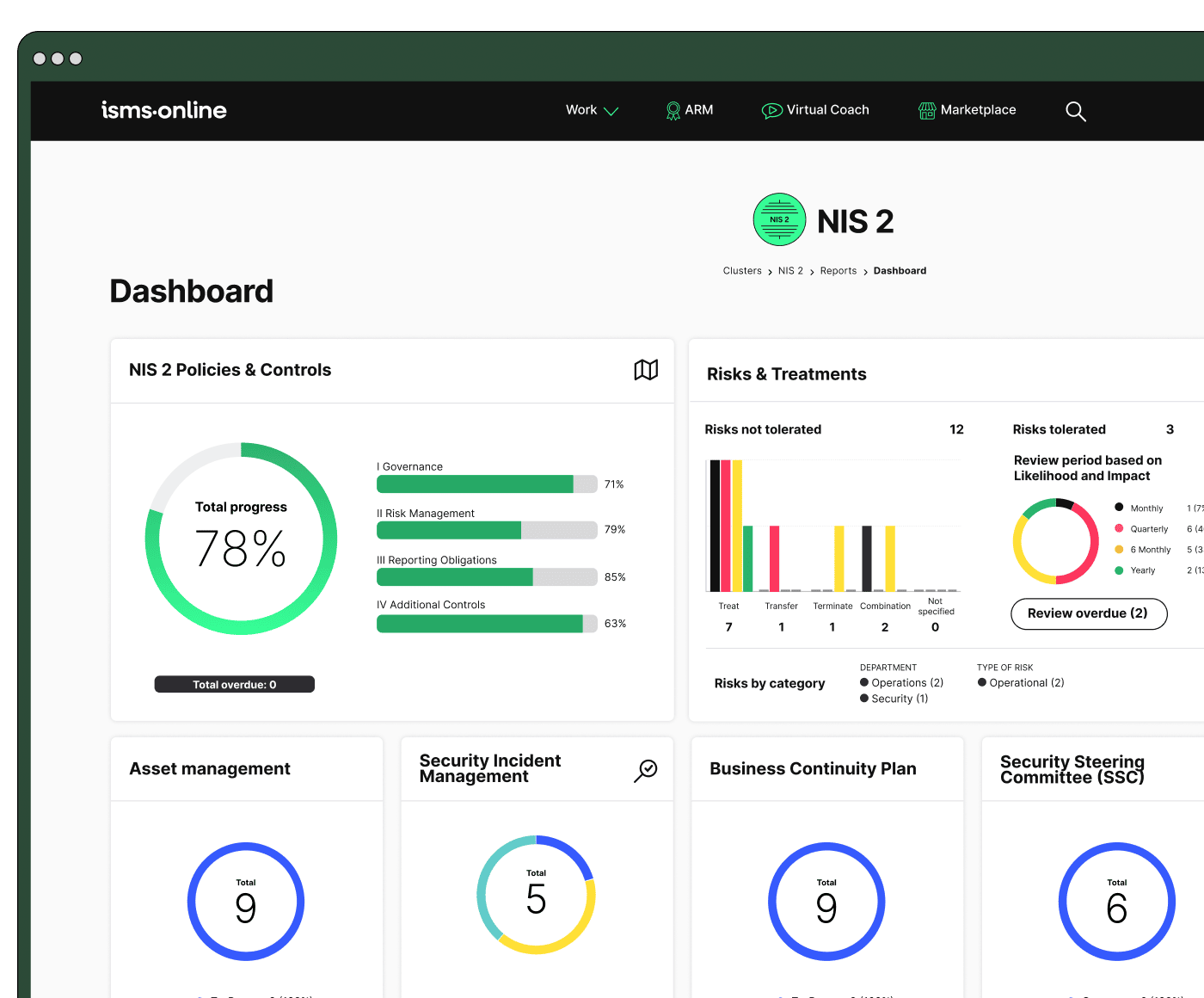
All your NIS 2, all in one place
From Articles 20–23 to audit plans – run and prove compliance, end-to-end.
Retention, Privacy, and Data Minimisation: Where Compliance Begets Security
Closing the loop, NIS 2 and ISO 27001 require you not just to collect, but to retain and erase artefacts according to strict legal and contractual timelines. Over-retention invites regulatory scrutiny, while early deletion destroys your defence. The ISMS.online system automates this edge case.
Destruction logs matter as much as creation logs-compliance means controlling the evidence chain from start to finish.
Automated Review, Deletion, and Role-Specific Controls
With ISMS.online:
- Access is role-limited: All views and exports are logged and controlled.
- Records are flagged for expiry: System-generated, based on contract, legal, or policy velocities.
- Deletion (and exception) logs are auditable: and include artefact, reviewer, and approval flow.
- Full review cycles: highlight exceptions or artefacts approaching expiry, so nothing slips “over the edge” unexamined.
Retention & Deletion Table
| Retain/Destroy Event | ISMS.online Action | Reg/Clause Reference | Artefact Proof |
|---|---|---|---|
| Contract expiry | Auto deletion | GDPR Art. 5,17, A.5.31 | Deletion/expiry log |
| Role-based restriction | System controls | GDPR Art. 32, A.5.9/10 | View/access logs |
| Self-audit window | Scheduled reviews | A.9.2, A.5.35/36 | Audit schedule log |
| Exception retention | Log + review reason | Multiple | Exception artefact |
Step-By-Step Launch: Building an Irrefutable Compliance Chain in ISMS.online
Success comes down to the systematic conversion of intention to artefact-never leaving evidence to afterthought or spreadsheet.
One digital template seeds hundreds of verifiable artefacts-this is how confidence is engineered, not improvised.
Practical Launch Guide for NIS 2, ISO 27001 artefacted HR Security
- Step 1: Activate HR and supplier screening templates within ISMS.online (artefact-ready from day one)
- Step 2: Assign explicit reviewing authority (named reviewers, permissions, policy mapping)
- Step 3: Import legacy logs (map fields, resolve gaps, set “completed” status)
- Step 4: Schedule automated/recurring reminders for all time-based artefacts
- Step 5: System-link every record to SoA or controls-no isolated logs
- Step 6: Lock logs with in-system approval, no manual overrides allowed
- Step 7: Test by exporting artefact bundles (by clause, audit window, or personnel/supplier)
- Step 8: Set and automate your retention schedule-review, flag, or destroy as policy/regulation requires
Audit & Migration Traps to Avoid
- Out-of-system logs and email trails will contradict your compliance story-import everything at launch.
- Over-retention/“just-in-case” archiving is both a security risk and a compliance time-bomb-configure destruction reminders.
- Never email artefacts carelessly; use system-based exports with access controls.
Launch Readiness Checklist
- [ ] System templates live; explicit reviewer and policy links mapped
- [ ] Artefact migration completed and reconciled
- [ ] Reminder schedules tested for all renewal/review cycles
- [ ] Supplier, contractor, and sub-supplier logs in-system
- [ ] Artefact-based exception processes fully deployed
- [ ] Board and Management Review export routines set up and tested
- [ ] Retention and expiry controls validated
Scaling and Adapting
- Bulk-import past records; automate artefact mapping retroactively
- Assign visibility/philtres by framework, jurisdiction, and role
- Export audit-ready packs per customer, regulator, or management
Confident, audit-proof HR security under NIS 2 is fully operational. Schedule your system demonstration or trial run to see how ISMS.online transforms every intention, action, and exception into instantly auditable proof-modern compliance, proven by evidence.
Book a demoFrequently Asked Questions
Who must be HR screened under NIS 2-and how does ISMS.online ensure nothing slips through the cracks?
Every individual with access to your organisation’s sensitive systems, critical data, or operational controls-including employees, executive leadership, contractors, and key supplier personnel-must undergo and prove HR screening per NIS 2. Screening is not a tick-box exercise: it applies to direct hires, temporary staff, short-term contractors, privileged IT/admins, and any third party whose lapse could create vulnerability. ISMS.online enforces this rigour at a granular level: every screening action (criminal check, credential verification, reference check, supplier due diligence) is logged as a time-stamped artefact, assigned to a named reviewer, and tied to the exact person, not a generic team. All evidence-PDFs, signed forms, approval timestamps, consent-lives in tamper-proof records against each individual or supplier.
No critical access is granted, renewed, or continued until an artefacted, reviewer-authorised log exists for each required step.
Sample: Role-based screening snapshot
| Who | Screening Components | Artefact Evidence | Reviewer |
|---|---|---|---|
| IT/Admins/Executives | ID, criminal, references, credentials | PDF upload, approval log | HR Lead |
| Key Supplier Contacts | Due diligence, contract checks | Supplier doc, signoff | VendorMgr |
| Contractors (short-term) | References, credentials | Doc upload, reviewer note | IT Lead |
What turns a screening log into “audit-proof” evidence for NIS 2 and ISO 27001?
A screening log only satisfies auditors when it’s immutable, time-stamped, reviewer-verified, and uniquely mapped to each individual or supplier event-batch logs and process paperwork won’t stand up. ISMS.online requires and enforces: artefact uploads for every step, named reviewer approval, and live SoA/risk-register mapping. Key ISO 27001 controls (e.g. A.6.1 for screening, A.5.35 for log retention, A.5.11 for offboarding) are directly referenced in every log. The screening record can be exported on demand, showing reviewer name, screening type, file evidence, expiry/renewal date, and status-no overwrites allowed.
Audit-proof means an artefacted evidence chain, not intentions or best efforts-auditors and regulators care only about proof you can show instantly, not the promises you make.
Audit-ready screening event format
| Date | Name | Role | Check Type | Reviewer | Expiry | Status |
|---|---|---|---|---|---|---|
| 2025-12-01 | L. Patel | IT Admin | Full | HR Lead | 2026-12 | Pass |
| 2025-12-15 | Consultify | Supplier (Critical) | Due diligence | VendorMgr | 2026-12 | Pass |
| 2025-11-15 | M. Koenig | Contractor | Cred/Ref | IT Lead | 2026-11 | Pending |
How does ISMS.online structure, automate, and escalate personnel/supplier screening for NIS 2?
Every access event follows a strict artefacted lifecycle:
- Onboarding: No access until reviewer-approved screening is logged and filed.
- Renewals: Automated reminders at contract or regulatory intervals; overdue flags freeze access until re-verified.
- Offboarding: Access removal, asset reclaim, and screening log closure-all time-stamped and reviewer-verified.
- Exception management: Any incomplete, out-of-jurisdiction, or delayed screening triggers a logged artefact with justification, escalation path, and management approvals.
Workflows are automated: ISMS.online blocks progress where artefacts are missing, not just for staff but also for suppliers. Dashboards surface at-a-glance all pending, overdue, and signed-off screening events by role or supplier-helping you spot and resolve exposures before audits, not after.
Operations, HR, and compliance teams access real-time dashboards showing screening compliance rates, exceptions, and upcoming renewal deadlines to stay ahead of audit and regulatory scrutiny.
How does ISMS.online handle supplier, contractor, and third-party screenings to NIS 2 and GDPR grade?
For suppliers, key contractors, and third parties, the same screening rigour applies: their personnel logs, screening evidence, consent forms, and exceptions are all recorded and tied to supplier master records. Evidence (contract, due diligence, screening outcome) is uploaded for each supplier entity, alongside jurisdiction notes and deviations. Reviewers, statuses, and scheduled renewals are attached to every supplier record and mapped into your incident log, risk register, and SoA context. Failures or expiring artefacts trigger access freezes and force escalated management follow-up-nothing left to chance or manual oversight.
Supplier/Third-Party Sample Log
| Supplier | Screening Type | Evidence | Exception | Reviewer |
|---|---|---|---|---|
| NetCore | Annual due diligence | Uploaded | None | Compliance |
| DevCloud | Initial vetting | Pending | Offshore; escalation | VendorMgr |
| RemoteOps | ID + criminal | Uploaded | US-only, flagged | DPO |
What happens if a screening event is missed, fails, or is overdue?
Every missed, failed, or expired screening event spikes an incident workflow: ISMS.online auto-creates a ticket, logs mitigation steps, flags the risk register, and freezes access/renewal/contract for the individual or supplier until the gap is closed and evidence updated. Management is assigned, remediation steps (justified, reviewer-logged) are artefacted in real-time, and the incident cannot be closed until artefacts are complete and reviewed. This creates a defensible, time-stamped trail available instantly for audit or regulator review.
Security gaps aren’t swept under the rug; each non-compliance is logged, escalated, and only resolved with approved evidence-preventing silent failures.
Escalation Table
| Trigger | Risk Register Update | Control/SoA Link | Evidence Logged |
|---|---|---|---|
| Missed renewal | Entry auto-updated | A.6.1 screening, A.5.35 log | Incident artefact, reviewer |
| Failed supplier | Risk flagged, incident | A.5.19 supplier, risk | Justification, closure log |
| Delayed offboard | Asset return flagged | A.5.11 asset, A.8.13 backup | Offboarding artefact, signoff |
How does ISMS.online address GDPR retention, deletion, and privacy for personnel/supplier screening logs?
All personal and supplier screening artefacts obey GDPR and organisational retention policies: records are auto-tagged with expiry based on contract, legal hold, or policy. Deletions are only possible via reviewer-logged, time-stamped events, creating an immutable evidence trail. Every access, view, export, or update is also recorded and attributed-no silent access or over-retention. Role-based permissions restrict who can see or manipulate artefacts; automated alerts flag any deviation, and a self-audit tool walks HR and compliance through GDPR and organisational requirements before regulator or board audits.
Your evidence is only as strong as your retention and deletion logs-visibility and reviewer-linked trails put you ahead of enforcement curves.
What actionable steps guarantee instant audit-readiness for HR/supplier screening logs in ISMS.online?
- Configure platform templates for staff/suppliers, with reviewer assignments and retention rules.
- Import legacy data and close documentation gaps; map artefacts per individual and supplier.
- Activate reminders and escalations so onboarding, renewal, and offboarding events auto-block until compliant.
- Set deletion/expiry checks-require reviewer sign-off for all removals.
- Link all logs/evidence to your risk register and SoA for clause-mapped audit exports.
- Run self-audits against ICO and GDPR requirements prior to board/audit review.
- On demand, export all evidence, audit-classified, for instant auditor or customer review.
Audit-Ready Checklist
| Step | Status |
|---|---|
| Templates active, mapped to reviewer | [x] |
| Data imported, gaps closed | [x] |
| Reminders and escalations set | [x] |
| Retention/deletion validated | [x] |
| Supplier logs SoA-linked | [x] |
| Pre-audit self-check completed | [x] |
Why prioritise systemizing HR and supplier screening logs-and what’s the strategic next step?
Proactive, systematised HR and supplier screening logs reduce audit risk, protect your reputation, speed onboarding, and show boards, auditors, and clients that you lead with operational maturity-not box-ticking. When artefacts are reviewer-linked, exceptions and deletions logged, and everything is mapped to key controls and SoA, you set a benchmark for trust and readiness.
Ready to stop relying on spreadsheets and intent-and prove security maturity in real time?
Experience how ISMS.online delivers instant, clause-based audit assurance for every HR and supplier screening record →






