





































Why Proving a Restore Matters More Than Having Backups
Backups once meant peace of mind. Now, under NIS 2 and market scrutiny, they’re nothing but an illusion unless you can prove-not just claim-you can recover critical data, on demand, from a real-world incident. “Show us your last restore test,” is no longer a hypothetical; it’s a buyer’s demand, an auditor’s redline, and a board-level reputational checkpoint. Failing here isn’t just a technical miss; it’s a business blocker and a risk to your role as a trusted compliance or security leader.
Proof of resilience is never found in the backup-only in the restore.
Backups alone record intent; validated, audit-ready restore tests are the only measure of operational resilience auditors and buyers accept. Whether you are a Compliance Kickstarter racing for ISO 27001, a CISO protecting board trust, or a Privacy Officer guarding against regulatory scrutiny, you’re judged by your evidence, not your processes. If you can’t click and retrieve recent, asset-specific restore proof-logs, screenshots, test outcomes, and signoffs-your “compliance” exists only on paper. ENISA’s 2024 advisory is unambiguous: “A backup’s value is only as high as the proof of a successful, full restoration using it.”
Go beyond “backups exist.” Build your muscle around recoverability, business continuity, and operational trust. The world’s largest buyers, announced this fact with procurement pausing deals: “No restore test, no contract.” For compliance leaders, this is not a future threat; it’s the present standard.
The Minimum Proof Pipeline
To survive scrutiny:
- Backup completes, restore test is requested (not a simulation).
- Data is restored into a live or test environment.
- Evidence captured: log, export, or screenshot, independent from ITs affirmations.
- Validation: system check by a tester or user, confirming data was usable.
- Signoff: compliance or management.
- Evidence is archived: , mapped to the asset, instantly discoverable for audit or buyer queries.
This workflow is not a checklist-its your insurance against regulatory fines, lost sales, and the silent judgement of your leadership.
Book a demoWhat Counts as Acceptable Restore Evidence for Auditors and Buyers?
Walk into a board meeting or audit with a vague claim-“We test restores regularly”-and you’ll get nothing but scepticism. What survives in the real world, what keeps deals in play and audits on your side, is structured, recent, asset-linked, and independently validated evidence.
Modern restore proof is not just a “log file.” It is a multi-layered, traceable audit packet:
- Timestamped log: tied to a specific asset ID or environment (not a generic “completed” notice).
- Test description: -full/partial, system/user validation.
- Outcome status: and reference to validation outcome.
- Manager or CISO signoff: digital signature or workflow event.
- Origin: Exported from provider or critical system (cloud portal, SaaS dashboard), never a home-grown spreadsheet.
Audit passes hinge on tangible evidence, not IT testimony or email threads.
Buyers and regulators have adapted. They demand exports or screenshots that can be independently retrieved, with every field mapped to the asset in scope. Logs sourced directly from systems like Azure, 365, AWS, or Salesforce are non-negotiable. No more “IT says it’s fine.”
Failing to meet any of these requirements will land you in the “improvement needed” bucket, delaying sales and risking your badge.
Essential Restore Evidence Table
A quick-reference for the baseline SaaS audit packet:
| Expectation | Operationalisation | ISO 27001 / NIS 2 Reference |
|---|---|---|
| Restore test documented | Timestamped system/provider log, reviewer | ISO 27001 A.8.13, ENISA 2024 |
| Provider log/export | Platform-native, asset-linked, not notes | NIS 2 Art. 21, ENISA |
| Manager/CISO signoff | Workflow, digital signature | ISO 27001 A.5.5 |
| Recency | Dated <12 months (stricter if critical) | NIS 2, ICO, ENISA Guidance |
Miss one, and the best case is an urgent “remediation request” before your next board call.

Master NIS 2 without spreadsheet chaos
Centralise risk, incidents, suppliers, and evidence in one clean platform.
How Recent and How Often Should Restore Evidences Be?
Restore evidence is perishable. The industry standard now expects restore documentation, with approval and validation, for every business-critical asset, at minimum, within the past 12 months-often far more frequently for regulated or SaaS environments. Relying on a single annual test or “sandbox” restore is obsolete.
If your restore evidence is stale, auditors will read that as no recent resilience.
Recency is not just about compliance; it’s operational muscle memory. Board members, regulators, and procurement teams interpret stale logs as a blind spot. NIS 2, ENISA, and leading frameworks now tie currentness directly to the likelihood of survival in a real cyber event.
Cadence by Role
- IT Teams: Trigger restore tests after any infrastructure change, incident, or on a quarterly schedule for critical workloads.
- Compliance Leads: Align restore tests with risk levels (e.g., monthly for PII-heavy databases, quarterly for ancillary systems).
- CISO/Board: Demand restore “proof packs” as pre-conditions before major audits, transactions, or regulatory reviews.
When Must You Document a New Restore?
| Trigger Event | Evidence Update Requirement |
|---|---|
| Change affecting production | Immediate restore test + signoff |
| New buyer or board request | Quarter/fresh restore pack |
| Major SaaS/cloud shift | Post-migration/upgrade restore proof |
| Routine compliance cycle | Not older than 12 months-usually less |
The more dynamic your assets, the tighter your restore cadence must be. Automating evidence-collection with ISMS.online simplifies this from a headache into a habit.
How Does Restore Proof Vary Across Cloud, SaaS, and On-Premise Environments?
Restore proof is not one-size-fits-all. SaaS, cloud, and on-premises assets require different evidence strategies-and your compliance system must distinguish each type or risk audit rejection.
- SaaS/Cloud: Only platform-native exports or logs-no substitutions. Evidence must be directly downloadable from the provider, asset-linked, and dated. For Microsoft 365, AWS, Salesforce, or Google Workspaces, a provider portal export is your gold standard.
- On-premises/private cloud: Acceptable evidence is a system-generated log, mapped to an incident ticket, asset register, or management report. Paper logs or manual notes, even if scanned, rarely survive an audit unless tied to a registered asset.
- Multi-cloud/hybrid: Your complexity rises. Proof requires combining provider-sourced logs, cross-asset mapping, and often evidence of log retention and data residency. Cloud vendors may only retain logs for 30–90 days by default. Without exporting and archiving to your ISMS evidence hub, you risk permanent evidence loss.
Evidence preserved in one ISMS or compliance bank beats a thousand scattered logs at audit time.
Table: Proof by Environment
| Asset Type | Source of Proof | Critical Field |
|---|---|---|
| SaaS (e.g., O365) | Provider export/log | Timestamp + asset ID |
| Cloud VM | Platform-native log/export | Data residency + restore path |
| On-Prem | System log + incident ref. | Human sign-off + management review |
Adapt your process by asset risk, required retention, and regulatory scope.
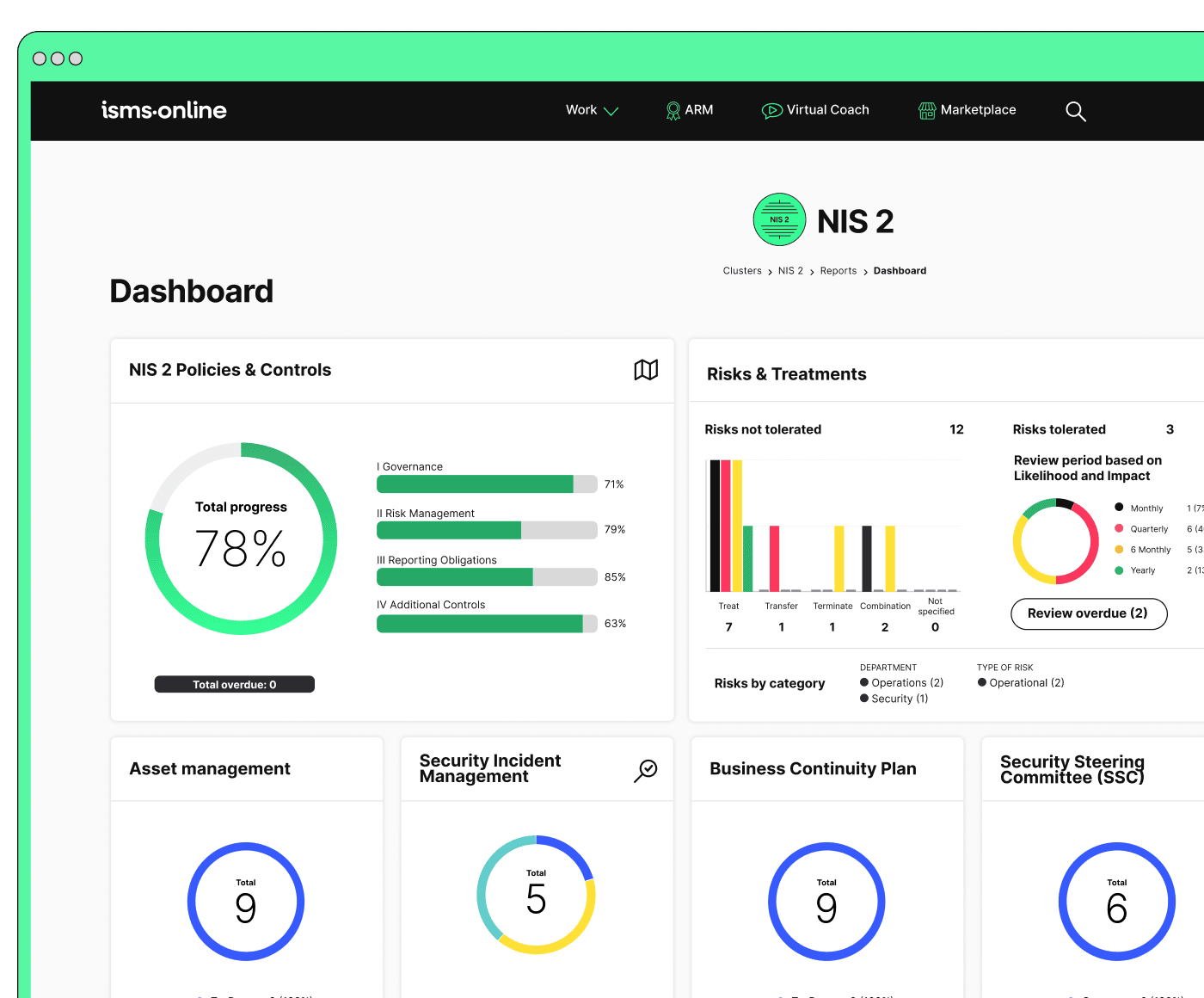
Be NIS 2-ready from day one
Launch with a proven workspace and templates – just tailor, assign, and go.
Organising and Retrieving Restore Evidence: Making Proof Instantly Audit-Ready
Anyone can capture a backup log. What builds operational trust and audit-readiness is rapid, asset-linked, human-validated evidence retrieval. When buyers, auditors, or execs ask: “Show me the last restore for our core DB,” you must deliver in seconds.
In modern ISMS practise, your evidence bank indexes restore logs, screenshots, sign-offs, asset catalogues, and event records-all mapped to asset, date, test outcome, and responsible owner. Search must serve queries like “last restore for payment system,” complete with log, sign-off, and provenance.
Stored restore logs mean nothing unless retrieval is fast and traceability is easy.
Proof Traceability Mini-Table
| Field | Example Entry |
|---|---|
| Date | 13 June 2024 |
| Asset | Production DB |
| Test Type | Quarterly full restore |
| Log Ref. | restore_20240613.txt |
| Approval | CISO, Compliance Manager |
| Storage | ISMS.online Evidence Hub |
Invest in organising proof so deeply that any audit or buyer request becomes a demonstration of control strength, not a nerve-wracking search for screenshots.
Why Multi-Level Sign-Offs Are Non-Negotiable (And Who Must Approve)
Technical completeness never impresses by itself. The new compliance bar requires dual-track sign-off-first by the technical lead, then by a managerial/compliance role. Auditors, buyers, and regulators are all scrutinising that division.
Resilience is proven by a chain of approvals, not a single log file.
- Technical sign-off: IT lead, relevant sysadmin, or platform manager.
- Managerial/Compliance sign-off: CISO, DPO, GRC manager, or board delegate.
- For regulated data (e.g., sensitive PII, financial records), include privacy or legal review.
Cloud/SaaS: Always supplement IT workflow sign-off with a provider-sourced export.
All environments: Reflect sign-off in approval workflows, not just in logs or emails.
Common Weak Links-Who’s at Risk?
| Failure Mode | Persona at Risk | Sign-off Needed |
|---|---|---|
| IT-only signoff | Kickstarter/Practitioner | Add Compliance/Management |
| Outdated SaaS export | Practitioner, CISO | Automated reminders |
| No privacy/legal review | Privacy Officer, CISO | Add DPO/Legal in workflow |
| Incomplete asset mapping | All, especially Board/CISO | Cross-asset policy linkage |
Leadership reads this as “operational maturity.” Weak sign-off equals weak system-never depend on a single person’s assertion.
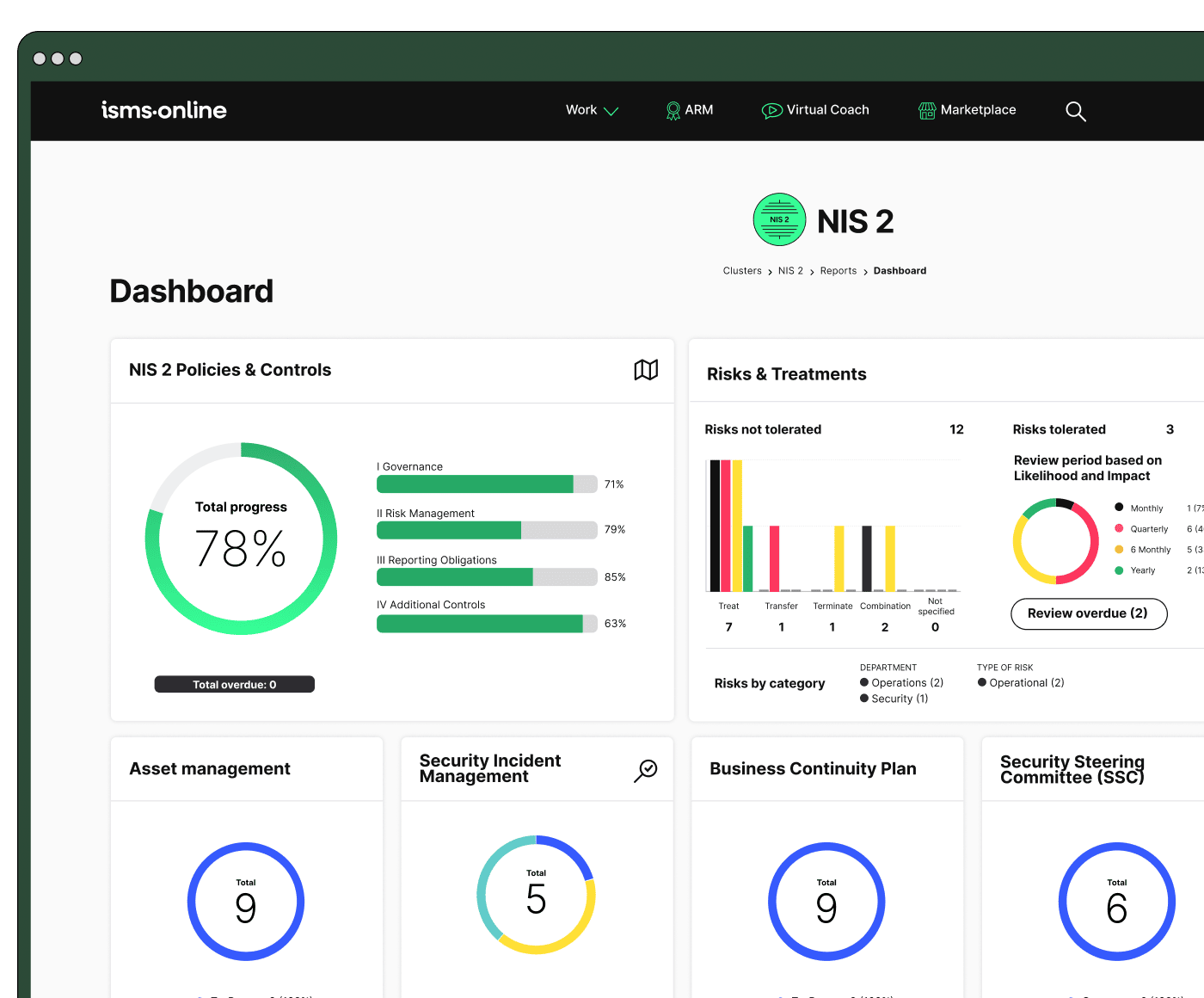
All your NIS 2, all in one place
From Articles 20–23 to audit plans – run and prove compliance, end-to-end.
Pre-Empting Failures: Building an Evidence Chain Resilient to Buyer and Audit Risks
Experience shows every failed audit or lost deal starts similarly: a missing log, unsigned approval, asset without mapped evidence, or an “it exists somewhere” answer that’s impossible to prove. Avoiding these pitfalls is all about routines, workflow design, and constant readiness.
Don’t let the first sign of a gap come from a buyer-not an auditor.
Top Five Failure Modes and How to Defend
| Failure Mode | Proactive Action | Enabler Tool | At Risk Persona |
|---|---|---|---|
| Stale/missing logs | Scheduled, automated restore | ISMS.online Evidence Planner | IT, Practitioner |
| Asset mapping lapse | Asset-linked log register | ISMS.online Asset Register | CISO, Board |
| Approval gap | Enforced dual sign-off workflow | ISMS.online Compliance Chain | Board, CISO |
| Siloed logs | Export to centralised evidence | ISMS.online Evidence Repository | Practitioner |
| Manual-only process | Automated self-audit reminders | ISMS.online Notification System | Practitioner, CISO |
Routine walk-throughs and dashboard reviews expose silent risk before they hurt your standing or slow down a deal.
ISMS.online: The Faster Path to Backup Resilience and Restore Proof
What separates organisations that “have” compliance from those whose compliance drives business growth? Audit-ready, instantly retrievable restore evidence-mapped, signed, dated, and defensible.
ISMS.online delivers this by organising every backup log, restore export, sign-off, and critical asset reference in a central, always-ready hub. When buyers or auditors demand “Show us restore proof for all production data, with management sign-off,” you deliver in seconds-not hours of team scrambling, sysadmin vacation cover, or a high-stress file search.
True resilience means having every restore trace-logs, signoffs, and workflow-already in place before the request lands.
Dashboards enforce cadence, reminders keep evidence fresh, and approval workflows break single-point dependencies. Automate the right evidence path for every asset-so questions aren’t feared, they’re anticipated and answered.
The difference is felt at every level:
- Compliance Kickstarters: Pass first audit, unblock revenue-never lose a deal waiting for backup proof.
- CISO/Board: See resilience as capital, backed by evidence-not narratives.
- Privacy/Legal: Regulator trust through mapped, approving workflows.
- IT Practitioner: Recognition and relief from spreadsheet chaos.
Ready to make resilience a daily habit, not a last-minute sprint? See how ISMS.online transforms backup and restore evidence from checkbox to business advantage-and prove, don’t just promise, your operational trust.
Frequently Asked Questions
What core evidence is absolutely required to pass an NIS 2 backup restore audit?
The only way to pass a NIS 2 restore audit is to produce timestamped, asset-specific proof-with clear management buy-in-demonstrating a real-world restore test was performed and reviewed. Verbal claims or generic IT emails will never suffice. Auditors expect these five non-negotiable elements:
- Restore test plan – A dated, management-reviewed document specifying the asset, test scope, process, and those accountable for execution.
- System-native restore log or export – Direct output from your backup/SaaS/cloud platform showing asset name, time, executor, and the exact restore result (no generic ‘job completed’ allowed).
- Screenshots or video – Visual proof (platform dashboard, CLI window, SaaS success screen) that the actual restore completed as claimed; especially vital for SaaS/cloud, where logs can expire quickly.
- Dual sign-off – The test executor (IT/sysadmin) and a management authority (security/compliance/business lead) both record approvals-either by signature, initials, e-signature, or ISMS platform workflow.
- Centralised archive/index – All evidence must be mapped to your asset register (e.g., ISMS.online Evidence Bank) so it can be found in seconds during an audit.
Restoration proof means more than a file-it’s a clear chain of custody, from test plan to operator, management, and asset register, all time-anchored and reviewable.
If you can’t trace every test from evidence artefact to asset, person, and approval, you risk nonconformities or even regulatory penalty. For SaaS/cloud, your provider’s restore logs must mention your organisation and test-not just “your data is regularly backed up.”
NIS 2 Restore Evidence: Minimum Required Artefacts
| Element | What Auditors Want to See |
|---|---|
| Test Plan | Dated, asset-named, management co-signed (‘Q3 Payroll DB Restore Plan’) |
| System Log/Export | Platform file: asset, time, executor, result (“restore OK, Jane, 2024”) |
| Screenshot/Proof | Visual: dashboard, CLI output, SaaS result screen |
| Dual Sign-Off | Record of both operator and manager approval |
| Indexed Archive | Entry or link in asset register/evidence bank (not an inbox folder) |
What documentation formats are accepted by NIS 2 auditors as restore evidence?
Auditors only trust verifiable, traceable artefacts-evidence that anchors a restore event to a business-critical asset, signed by accountable people. Valid documentation includes:
- System-generated logs/exports: Downloaded restore logs or platform exports (from systems like Veeam, Microsoft 365, AWS, Google Workspace) showing what, when, who, and result. These must be asset-specific.
- Screenshots (with date/time): Visual proof of successful restore steps-before/after screens, CLI output, SaaS admin dashboard. For SaaS/cloud, screenshot logs before they expire.
- Provider statement or SLA report: For SaaS/cloud, accept only evidence mentioning your test or asset. A blanket “we back up your data” from the provider is insufficient unless they include your asset name and test date.
- Internal test or incident report: A brief service ticket, report, or worksheet summarising the restore test, result, executor, asset, and sign-off. Should be linked back to your asset register.
- Dual review record: Approval or sign-off by both the execute and a management authority-via digital audit trail, e-sign, or initials/signature.
- Change/incident linkage: Attach evidence to a change or incident record, anchoring the restore to relevant business context.
The most common audit fails aren’t lost logs-they’re logs unanchored to assets and lacking sign-off. Evidence must tell the story from test plan to review, not just a job succeeded message.
How frequently must restore tests and recorded evidence be updated to remain NIS 2 compliant?
Every business-critical asset needs updated proof of restore at least once every 12 months-more often for high-risk or changing systems. Audit readiness is driven by both regulator expectation and actual business risk. Best-practise cadence:
- Annual minimum: for all critical data (business, regulated, financial, or personal-align to your risk register).
- Quarterly/monthly: for high-risk or high-change systems (regulated, financial, or cloud/SaaS platforms underpinning the business).
- After significant change: Any major infrastructure, SaaS or provider refresh, DR procedure, or migration triggers an immediate restore test.
- Post-incident or failed restore: If you encounter an incident, perform and document a new successful test without delay.
- Before audit, board, or customer demand: Run and log fresh restore tests 30–60 days in advance to ensure ‘audit freshness’ for spot checks.
If your restore proof is older than 12 months, or predates a significant system change, you’re running at high audit risk. The regulator will check the evidence date, not just its existence.
Restore Testing Event Cadence Overview
| Trigger Event | Required Update Action | Evidence Logged |
|---|---|---|
| Scheduled (annual etc) | Rerun restore for each critical asset | Log, sign-off, asset register |
| Major change/incident | Immediate post-change restoration proof | Log, report, incident link |
| Audit/board/buyer need | Run test within previous 30–60 days | New log, co-sign, bank entry |
How do NIS 2 restore proof expectations adapt for on-premises, cloud, and SaaS setups?
All environments require real, auditable restore evidence-tailored to the system but always asset-linked and signed off:
- On-premises: Log files and dashboards from your backup software (e.g., Veeam, Acronis) plus screenshots or CLI exports. Must be tied to an asset and co-signed.
- Cloud/SaaS: Platform-exported logs and dashboards (e.g., AWS, Google Workspace, M365 admin centres), region and asset identifiers, plus screenshots and a provider attestation or SLA statement mentioning your actual restore, not just generic “we back up your stuff.” Index evidence before logs expire; SaaS retention may be short.
- Hybrid: Both local and cloud artefacts are required; ensure every restore item is mapped to an asset and signed by both IT and a management reviewer.
Provider logs or SLAs are tickets to the dance-but your internal sign-off is the invitation card. Both are needed to walk through the compliance door.
Restore Audit Evidence by Hosting Environment
| Environment | Required Proof | Compliance Tip |
|---|---|---|
| On-premises | Native log/export, screenshot, dual sign-off | Map to asset + incident/change |
| Cloud/SaaS | Platform export, screenshot, vendor attestation | Archive logs before expiry; region/asset-specific |
| Hybrid | Both local and cloud proofs, co-signed | Single evidence register for all |
Who must sign off on backup restore tests, and can provider-only evidence ever suffice?
NIS 2 compliance requires two levels of sign-off on every backup restore test for business-critical assets:
- Operator/technician: The person who performed or supervised the restore.
- Management authority: Typically, a CISO, compliance officer, IT manager, business leader, or accountable data owner.
For data classified as personal or regulated, a legal/privacy sign-off is recommended for full defensibility.
A provider’s report or SLA is never enough alone. Internal managerial approval is what demonstrates operational accountability. For high-risk use cases, a third-party or independent review adds another layer, but internal ownership must always be clear.
Your vendor’s evidence is the boarding pass-your signature is the passport. Auditors expect you to own the journey, not just show proof of ticket purchase.
What is the best way to organise, archive, and surface restore evidence so it passes NIS 2 audits under pressure?
Your restore evidence must be instantly accessible, asset-linked, and triangulated with approvals-preferably in a centralised ISMS or compliance platform. Key operational tactics:
- Centralise in an evidence bank/asset register: Every proof-log, screenshot, provider statement, approval-indexed by asset, date, outcome, executor, and management reviewer.
- Bundle each test: Pair log/screens/attestations with a co-signed sheet or digital approval, all linked to asset, ticket, and test plan-the ‘asset journey’ must be auditable end-to-end.
- Cross-link to incidents/changes: Tie restores to relevant change or incident tickets for traceability.
- Automate reminders and review: Platform-based tools trigger reminders for stale evidence and flag gaps ahead of audit cycles.
- Dry run your audit prep: Regularly have non-IT staff retrieve evidence within five minutes, simulating real audit conditions.
- Keep export windows in mind: Cloud/SaaS logs expire fast-index or download evidence before you lose supplier logs.
Audit resilience is less about having backups than being able to prove-immediately and unambiguously-that restores work, for the right assets, approved by accountable people.
Ready to turn audit pressure into an asset? See how ISMS.online provides a single source of restore truth, mapping proof to outcome-with instant retrieval, automated sign-off, and complete board/audit buyer confidence built into your ISMS.






